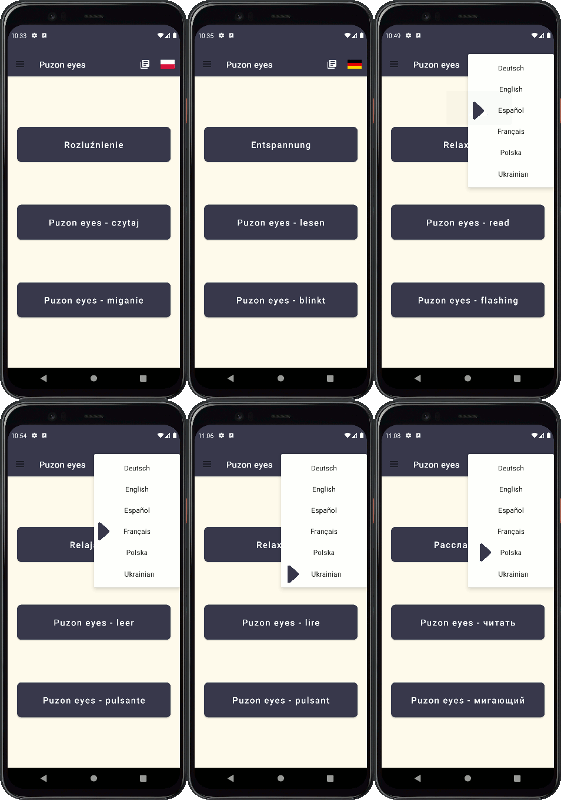
Relax for your eyes
Tired eyes? Does your eyesight deteriorate? Start practicing and reading appropriately. Exercise and relax your eyes. Read without glasses. Improve the dexterity of owl eyes every day.
Application available on play.google.com
"The Puzon Eyes app includes exercises to maintain and improve eye performance. You should be aware that the application and the exercises contained in it will not replace a visit to the doctor. Although you can choose something for yourself among the collected exercises. You can read without glasses while exercising your eyes. And, last but not least, enjoy your eyes refreshed and in better condition."

Relaxation
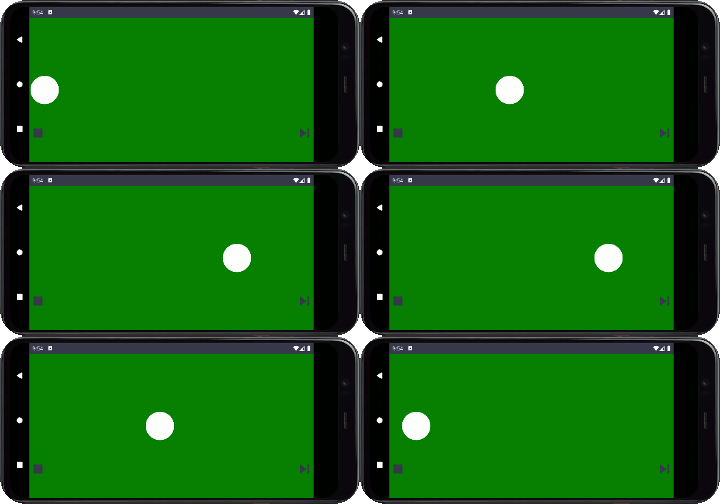
Puzon Eyes includes a prepared set of 10 exercises for loosening and relaxing the eyes. How to perform each exercise is described. An animation has been prepared for the exercises.
Exercises should be performed systematically.
Puzon eyes - read
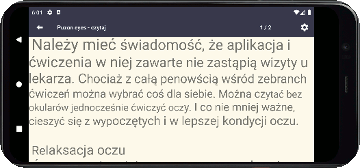
Puzon Eyes allows you to read text that has been written in different case. The size of letters gradually increases or decreases.
The text is dynamically prepared similar to the text from Snellen tables. Snellen tables contain text of different font sizes. Thanks to this, we can easily read part of the text, the next part of the text is more difficult to read and it is possible that we cannot read the next part. In this case, we move the board a little further away and read. In this exercise, the eye changes its accommodation more often, so that it is less tired and exercised at the same time.
Puzon Eyes allows you to load your own text file and dynamically adjust the size of the letters to your needs.
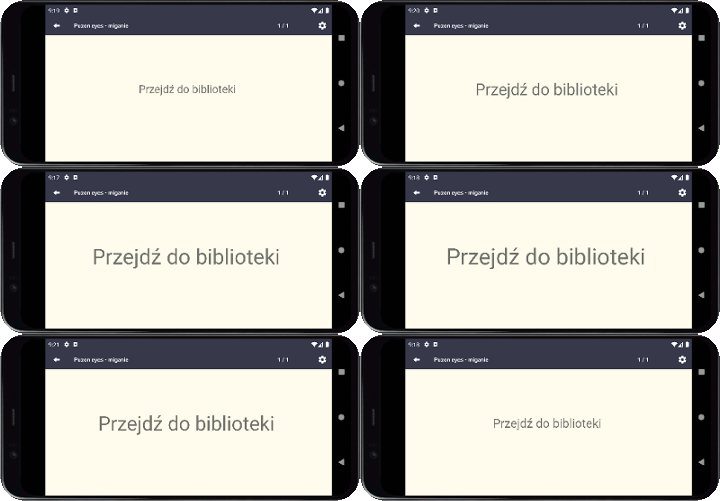
Puzon eyes - flashing
Puzon Eyes allows you to read text with a variable case. The presented reading text is dynamically enlarged and then reduced.
You can specify the number of words in a portion of the text to be read and the speed at which the text size changes.
Puzon Eyes allows you to load your own text file and dynamically adjust the size of the letters to your needs.
The Puzon Eyes configuration is about adding your own reading texts and setting up exercises.
In the library, you can add your own reading texts, delete them and select the active reading item.
Puzon Eyes has sample text for exercises in the selected language.
The configuration of exercises is to adjust the font size and presentation according to your needs.
After adjusting the text, you can practice every day.
Reading in Puzon Eyes is also an exercise in which the accommodation of the eye varies to a greater extent than when reading standard text.
Puzon eyes - settings
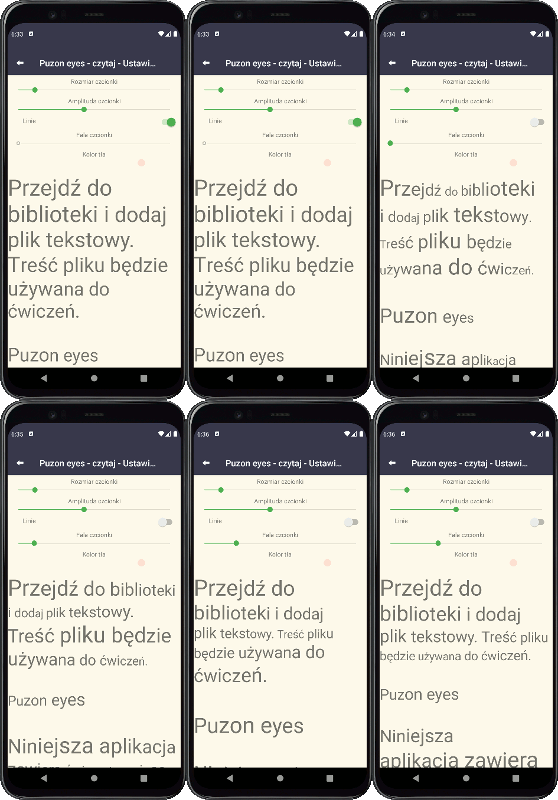
Before you start your reading exercises, adjust the font size and amplitude.
Start with the font size and then set the amplitude.
After setting the font size, set the amplitude size.
Make the font small enough so that you can read the text with slight difficulty.
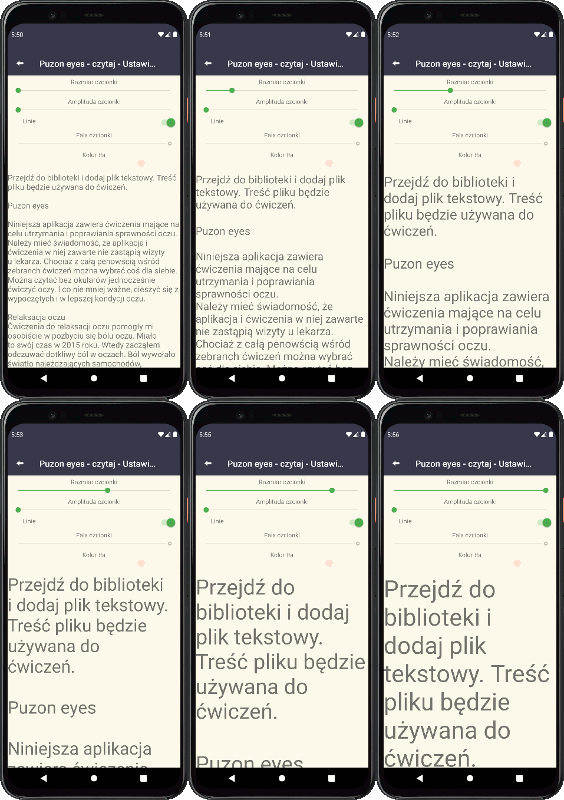
After setting the font size, set the font amplitude.
After setting the amplitude, the size of the largest characters in the text should be large enough for you to read the enlarged text with great ease.
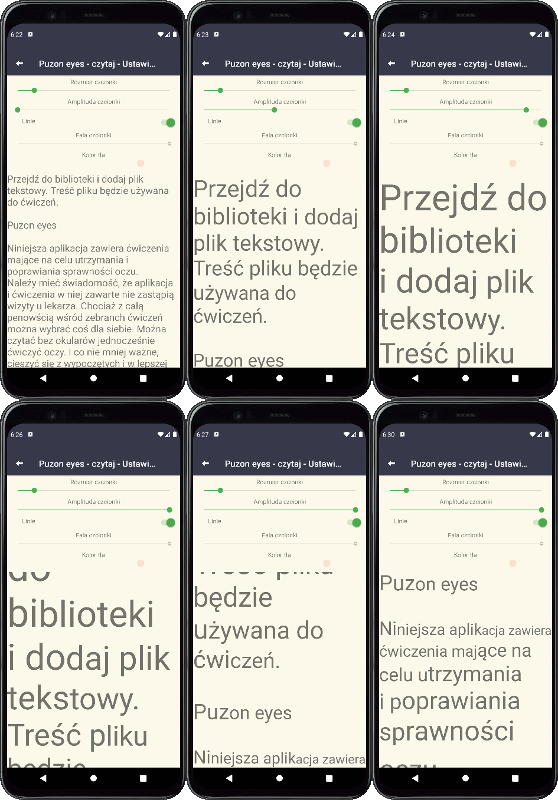
The font line and wave parameters allow you to adjust the speed of changing the font size from the largest to the smallest.
Set them as you see fit.
In Puzon Eyes exercises, you can read your own content after loading it into the library.
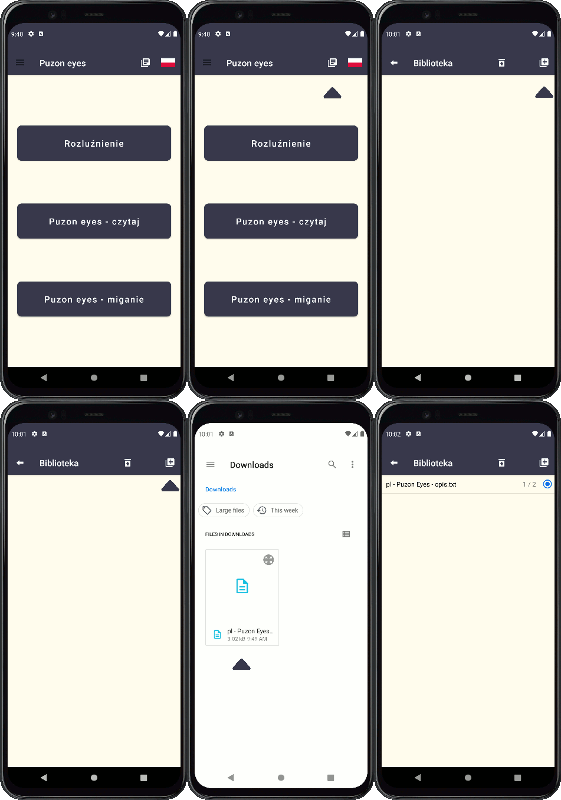
Language selection is available after selecting the flag icon.